Article
Welcome to PayDay Clock: Salary Tracker
Discover PayDay Clock: Salary Tracker—the privacy-first iOS app that turns your workday into a live earnings dashboard. Learn what it does, why it matters, and how to get started.
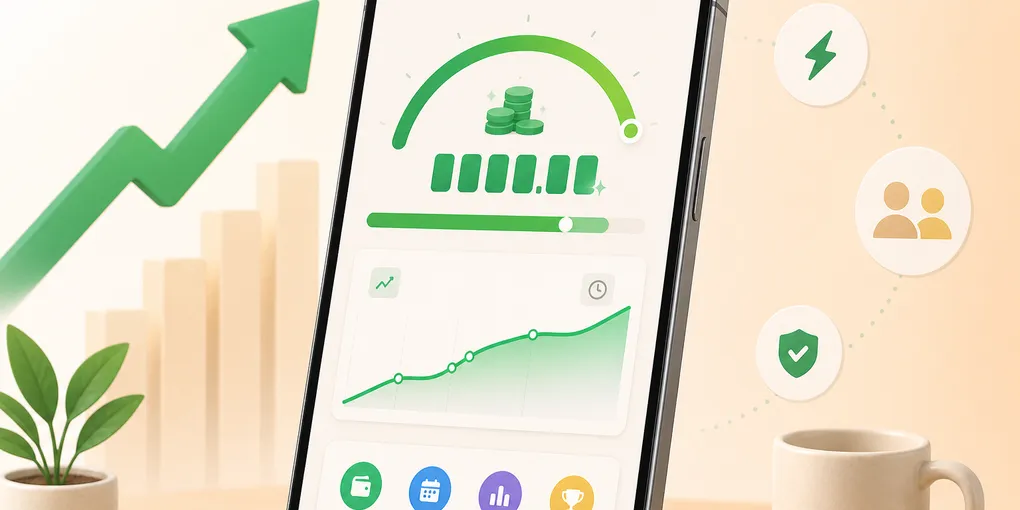
Your workday has real value—but most of the time, that value stays invisible until payday. PayDay Clock: Salary Tracker changes that by showing your earnings as they happen, right on your iPhone.
What PayDay Clock: Salary Tracker Does
PayDay Clock: Salary Tracker is a live pay dashboard for iOS. Enter your salary and schedule once, and the app calculates your earnings every second throughout the workday. You see:
- Today’s earned amount updating in real time
- Your hourly and per-minute value so you know what each minute is worth
- Workday progress showing how far through your shift you are
- Time until clock-out so you know exactly when your time is yours again
Whether you earn a monthly salary, hourly wage, or daily rate, PayDay Clock: Salary Tracker handles the conversion automatically.
Why We Built PayDay Clock: Salary Tracker
We built PayDay Clock: Salary Tracker because we wanted a simple, honest way to see the value of our work—without giving up privacy. Too many apps ask for accounts, upload your data, or bury earnings behind complex timesheets. PayDay Clock: Salary Tracker takes a different approach:
- No account required — open the app and start tracking
- Everything stays on your device — salary settings and earnings records never leave your iPhone
- Works completely offline — no internet needed for core features
- No tracking or analytics on your salary data
Your salary is personal. PayDay Clock: Salary Tracker treats it that way.
Free vs PayDay Clock Pro
PayDay Clock: Salary Tracker is free to download with a full live earnings dashboard, one salary profile, weekly scheduling, basic overtime, one savings goal, and recent history.
PayDay Clock Pro is a one-time lifetime purchase—no subscription. Pro unlocks unlimited salary profiles for side jobs, advanced schedules including rotating shifts, full earnings history with export, Face ID lock, premium themes, widgets, Live Activities, Siri shortcuts, and Apple Watch support.
Getting Started with PayDay Clock: Salary Tracker
Getting started takes about 30 seconds:
- Download PayDay Clock: Salary Tracker from the App Store
- Choose your pay type (monthly, annual, hourly, or daily) and currency
- Set your workdays, start/end times, and unpaid break
- Open the Today tab and watch your earnings grow live
You can also set a savings goal and see how many work hours it takes to reach it—a simple way to connect daily effort to real financial outcomes.
Explore the Site
This website is the home for PayDay Clock: Salary Tracker. Here you can:
- Preview app screenshots and features
- Read the FAQ for common questions
- Review our Privacy Policy and Terms of Service
If you have questions or feedback, reach us at hi@codemxm.com.
PayDay Clock: Salary Tracker — watch every work minute become visible progress.